

From those observations, you will be better able to draft a list of interview questions to try out on a small sample of your target customers. From the interviews, you will be able to refine your questions even more.
At this point, you can take the refined questions, find a representative sample of your target customers and conduct a survey. If you obtain a good sample, then you can project that sample over the entire target market and use that data to project its size, how much you could capture over what period of time, what your sales and sales revenue might be, and lastly, accurately calculate the potential return on investment. Next, be sure to compare that calculation to the results you get from researching your prospective customer’s “satisfaction” with their current solution, as described by Tony Ulrich and his San Francisco firm, Strategym, in their book, What Customers Want.
Innovation Tools
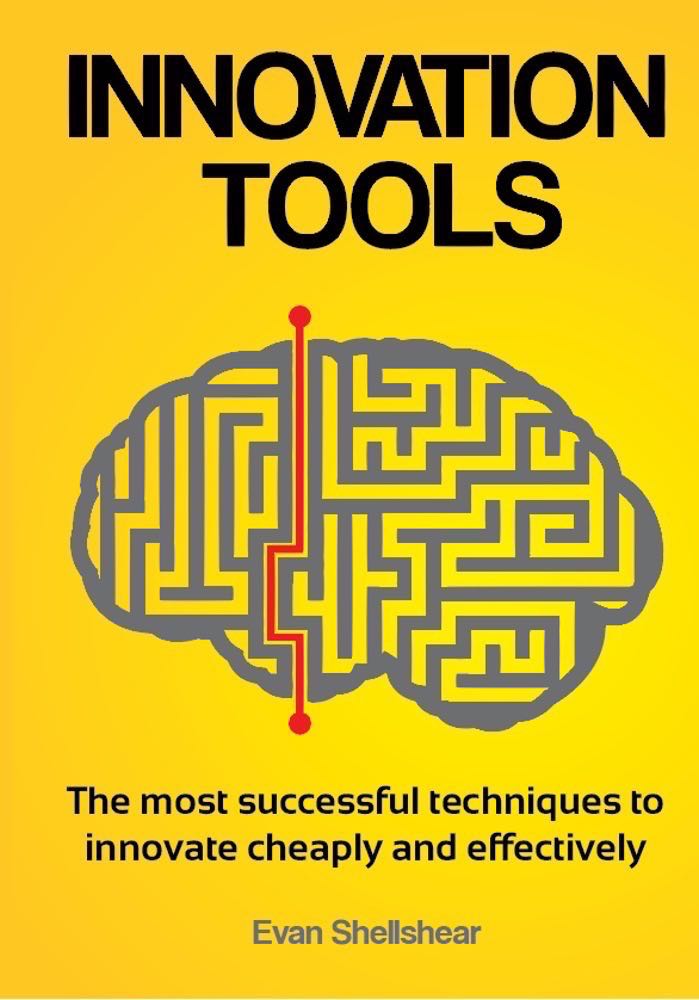
A lot of people talk about innovation and how important it is. But what tools should one use? Which ones actually work? Evan Shellshear, Phd, mathematician and serial entrepreneur, studied what works and what does not and has written Innovation Tools.
Here is what that book covers:
- Why More Innovation?
- Share The Risk And Increase The Gain
- The Latest Tools And Space–For A Dime
- Continuously Amplify Your Innovation A Million Fold
- Choosing A Winner The 21st Century Way
- Free Knowledge For Free Innovation
- The Innovation Services Revolution
- The Bigger Picture
Design Thinking
Design thinking is a way of thinking, dating back to the 1970s. Some look at it as being focused on solving a problem with alternative solutions, often through brainstorming.
Note that this is brainstorming after the problem has been defined; not brainstorming, as many advocate, to just come up with product ideas. Brainstorming can also work for product innovations when a specific OPPORTUNITY is defined (e.g., discovering a breakthrough material with uncommon properties — the brainstorming could help uncover new applications, etc.).
The process is done in an iterative manner, similar to agile development, as one goes through the design thinking of its seven stages: define, research, ideate, prototype, choose, implement, and learn.
User Experience (UX) and the User Interface (UI)
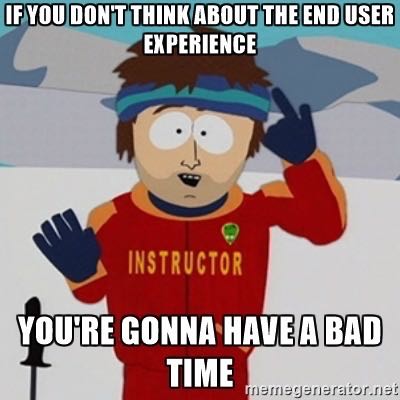
Insanely great products do exceptional things simply. They are simple to understand and to use. The user goes “wow” — that was an exceptional and not a frustrating experience. The UI supports that with the minimum of confusion.
I frequently wonder if the senior management of the same companies that ship products and services ever even bother to use the product themselves. If they did, they would understand their customer’s frustration, which reduces or even eliminates customer loyalty.
On my first day at Apple, sitting on my desk was a brand new Apple /// in its box. I was amazed that they thought so much of me they had my office all set up and my computer was there. But, I wondered why they hadn’t set it up for me.
I learned they wanted me to have the same “out of the box” experience that our customers had, so I would be sensitive to their needs.
I also have wondered the same about Microsoft’s senior management. In order to turn off a Windows computer (at least up until I stopped using them in 2005), one had to know that in order to “stop” the computer, you had to click on “Start.” Who was the UI genius who thought that one up?
I’ve spent many, many hours trying to figure out how to do things with Microsoft software and/or help others. Many were embarrassed that they could not use their PC. It is not intuitive. They felt like they were stupid, and that the problem was them, and not the user interface.
The lack of focus on usability and intuitive use is why Microsoft’s “brand” (The promise of the company and/or product) might be in some people’s minds: “Helping more people feel more stupid, than any other company in the world.”

David on Building Great Products, AI and Tech Shifts
By David Fradin |

Untold Stories From the Early Days of Apple Computer
By David Fradin |

Product Success Issues: Uses of Artificial Intelligence in Product Success Management
By David Fradin |
